
Appearance
How to Add an Underwriter to a Pool
To assign an underwriter to a pool, you first need to send them an assignment request. The underwriter will only be added after they accept it.
1. Go to the Pool Page
Open the pool you want to manage.
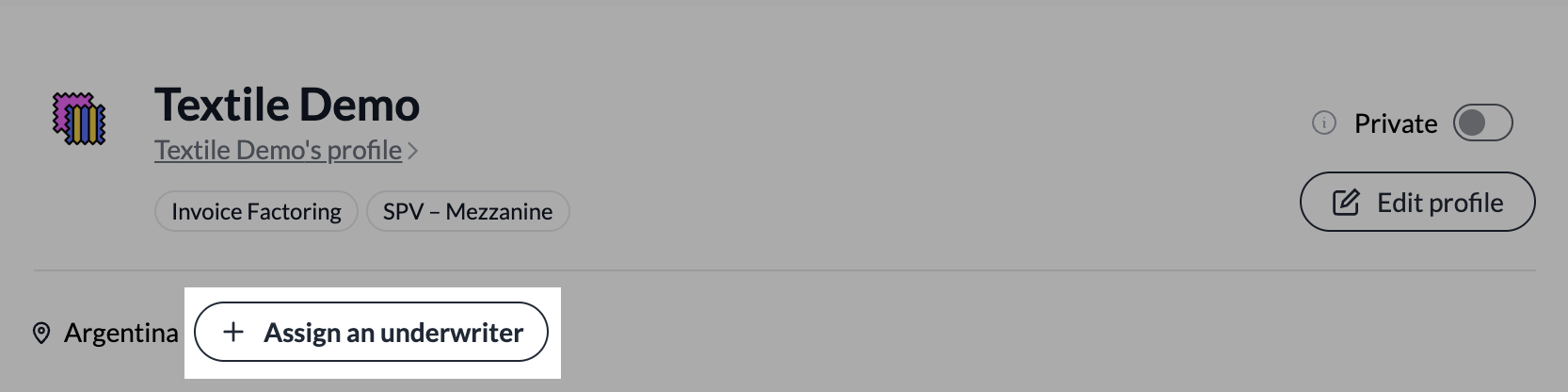
2. Click "Assign an Underwriter"
On the pool page, click "Assign an Underwriter".
3. Add the Underwriter Wallet Address
Enter the wallet address of the underwriter you want to assign to the pool.
4. Click "Assign"
Click "Assign" to send the request.
5. Wait for the Underwriter to Accept
The underwriter will receive the assignment request. They will only be assigned to the pool after they accept it.
IMPORTANT
Sending the request does not immediately assign the underwriter. The assignment becomes active only once the underwriter approves it.